
Name-Based Case Searches
Start at Kansas District Court CaseSearch. Accept the current terms if the prompt appears. Pick Hodgeman as the location when that option shows, then choose Party Name, Business Name, or whichever search type fits. Older Smart Search help lets you enter a last name or a first name. The last, first pattern also works. A wildcard like Smith* can rescue a partial-name search, though the live help control on the portal always governs.
- Choose Hodgeman rather than All Locations when the case is known to be local.
- Select the search type and enter the required search term.
- Use case type, case status, filing dates, or judicial officer to narrow broad results.
- Complete the human check when it appears, then submit the query.
- Compare the court, case type, filed date, and role labels before opening a result.
A common surname can drag up unrelated court records. Never identify a Hodgeman County case by name alone. Confirm the location, the case number, and the procedural details, and skip any protected personal identifiers you encounter.
| Field Label | Type | Required | Notes |
|---|---|---|---|
| Location | Select | Recommended | Choose Hodgeman when shown |
| Search Type | Select | Yes | Name, case number, citation, business, officer, or other listed type |
| Search term | Text | Yes | Match the value to the chosen type |
| Case Type | Select | No | Narrows the result set |
| File Date From / To | Date | No | Limits the filing window |
| Human check | Challenge | When shown | Must be completed before submission |
Current Hodgeman CaseSearch Screen
Today's landing page shows guest case details plus a separate path for approved elevated access. Registration and Smart Search appear only in older Kansas instructions. Labels shifted during the statewide transition. Trust the controls on the live portal over any dated guide. Older guidance names Chrome as the preferred browser. That tip does nothing to lift the public-access limits on the docket.
Begin at the official CaseSearch landing page, the current entry point for district court cases.
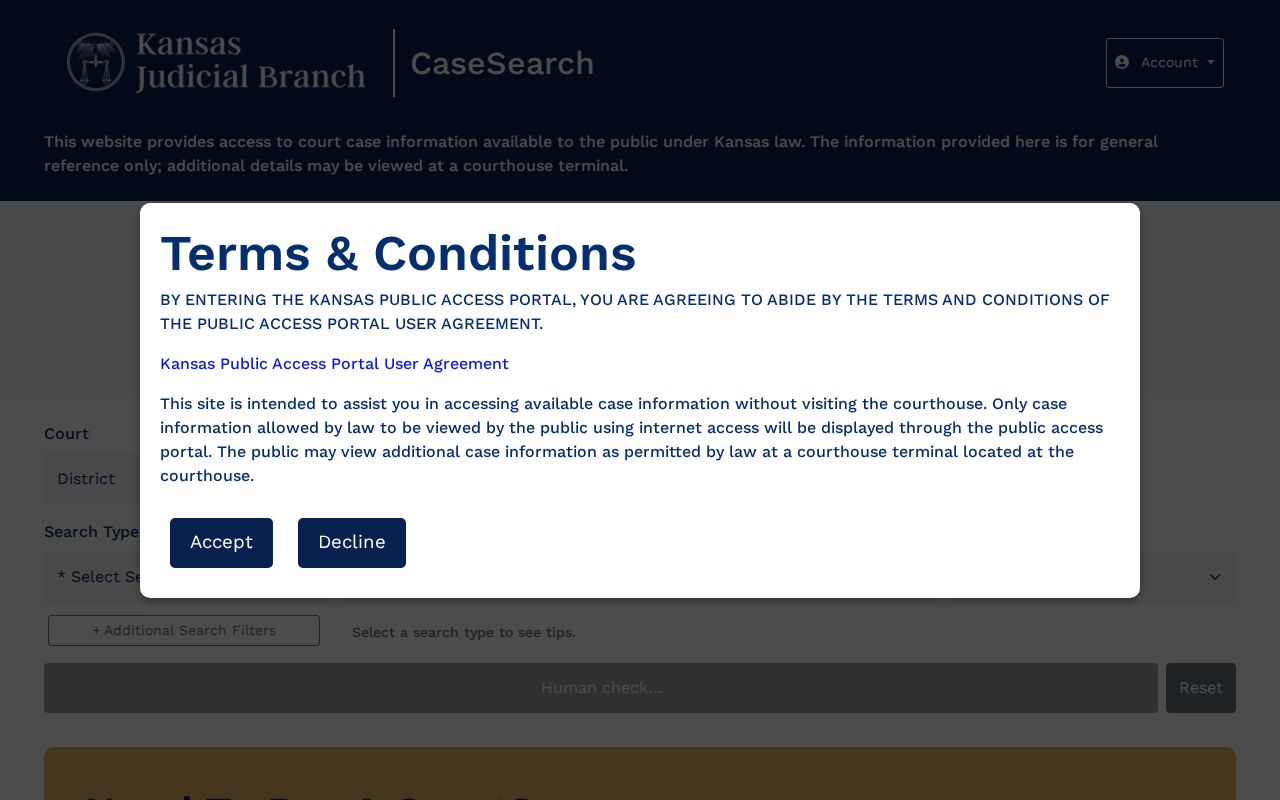
Use that official domain as your starting point, and read its current terms before you search.
Case Number Searches
An exact case number is the best key to a docket. Hodgeman cases opened after the 2022 Enterprise Justice conversion. Those carry a county, year, case-type, and six-digit sequence. The synthetic example HG-2024-CR-000001 stands for Hodgeman, year 2024, criminal, and a six-digit sequence. It is not a real case. Civil and probate numbers may use CV and PR.
Older files can follow a legacy pattern such as the synthetic 2021-CR-000001. Whatever the format, enter the number exactly as issued. A modern-format search that comes up empty deserves a second look at the punctuation, county prefix, year, and code with the clerk. A no-result answer can mean a format problem. It can also mean a conversion limit rather than a missing case.
Hodgeman Search Filters
Additional Search Filters can trim a broad results list fast. The official inventory covers Case Type, Case Status, a filing-date range, and Judicial Officer. Party-related controls may add more fields. These include Party Name, Business Name, Nickname, Sounds Like. A date-of-birth range, KBI number, sheriff-office number, and booking number may also appear. The field names matter only for understanding the interface. Never record or republish the sensitive values behind them.
The current interface page lays out the search term, location, type, dates, and human-check screen.
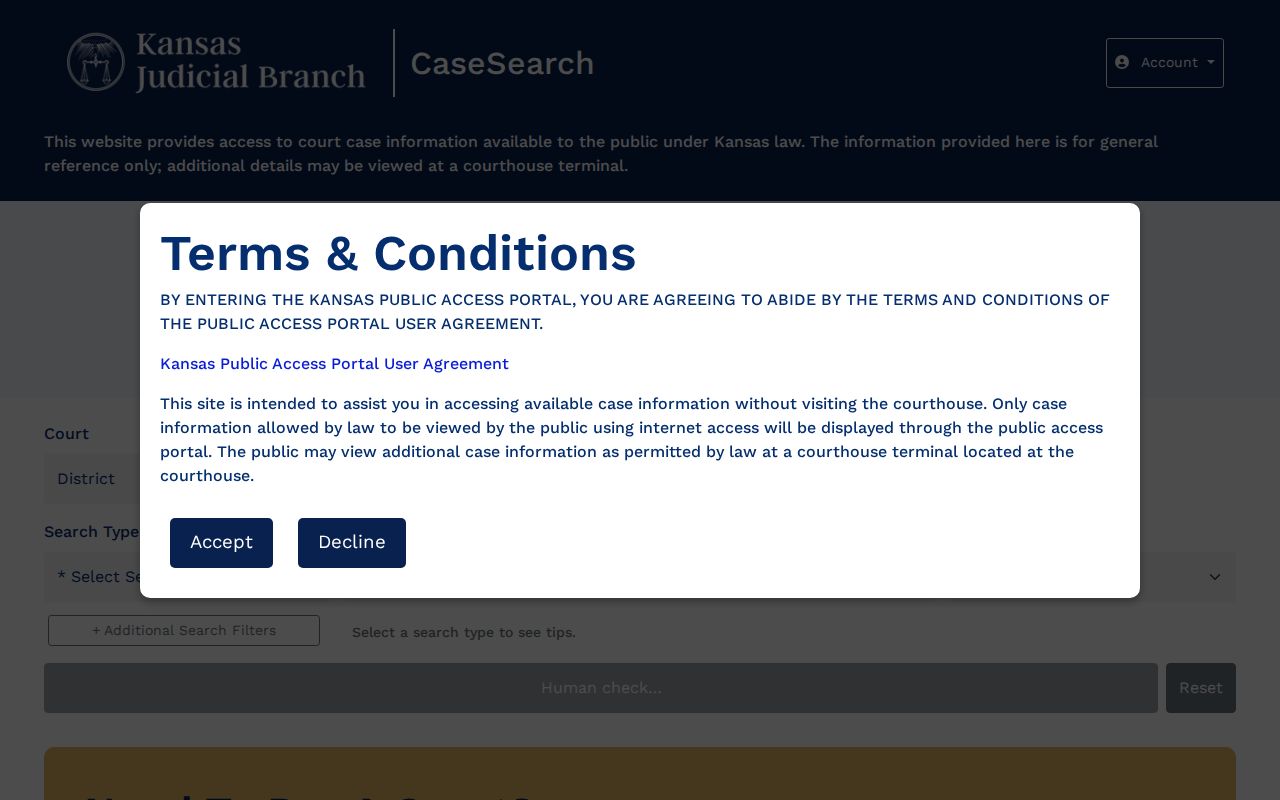
That page helps you name the controls, but the official CaseSearch home stays the authoritative public entry point.
Case Search Results Explained
Read a result in layers. You get the case header, parties and counsel, the events index, settings, disposition, and any document or financial area. Kansas Rule 22 calls the chronology an events index. It can confirm a document was filed even when the image itself will not open.
| Case Number | The Odyssey or legacy identifier used to retrieve the record. |
|---|---|
| Court / Location | Hodgeman County District Court and the 24th Judicial District context. |
| Case Type | Codes may include CR, CV, DM, LM, PR, SC, TR, JV, JC, or CT. |
| Filed Date | The recorded opening or acceptance date. |
| Status | The procedural state, such as active, pending, disposed, or restricted when shown. |
| Events Index | The ordered record of filings, hearings, notices, orders, and outcomes. |
| Document Status | A link, listed filing, no-image marker, conversion limit, or access restriction. |
CaseSearch is not the certified court file. Ask the clerk for a certified copy when authenticity matters.
Hodgeman Search System Transition
Kansas moved the 24th District onto centralized software. The system is Enterprise Justice/Odyssey, with Tybera eFlex filing. Hodgeman joined the conversion group on September 12, 2022. The current CaseSearch experience launched in 2025. Older official material still uses the Public Access Portal and Smart Search names.
Each system does a different job. CaseSearch hands the public district case information. eFlex is a filer login, not a free docket search. The Central Payment Center takes eligible payments and holds no case database. Confuse the three and you can miss the actual events index entirely.
The transition also changes what an empty search means. A post-conversion case normally carries the HG-prefixed Odyssey number. An older Hodgeman file may differ. It can keep a legacy number and document images that never reached the web. Enter the number exactly as printed before you tinker with the format. Then search by name with Hodgeman and a reasonable filing-date range. An event line may show without an image. Ask the clerk whether the document is public but conversion-limited. The courthouse terminal can reach older public material. No terminal or clever query will open a sealed or nonpublic file.
Expect official help documents to show controls or product names that differ from the live screen. Treat the current CaseSearch landing page and its help button as the interface authority. Older instructions still help for search habits. Keep them only for habits that still work, such as surname-first entry or a wildcard the current screen supports.
Two Ways to Search: County and State
Hodgeman runs no county-built district search of its own. The statewide CaseSearch is the county's online public route to a docket. The local half of the comparison is the courthouse terminal and the Clerk of the District Court, not a second web portal.
| Statewide CaseSearch | Hodgeman Local Access |
|---|---|
| Searches participating Kansas district-court data | Terminal and clerk focus on the Hodgeman record |
| Convenient for names and known case numbers | Useful for public material absent from the web |
| Case information and some document access | Copy requests and certified records through the custodian |
| Subject to portal and conversion limits | Subject to the same sealed and nonpublic limits |
Jetmore and Hanston municipal cases sit outside this district-search comparison. Contact the right city clerk for ordinance matters, because no countywide municipal search exists.
No Hodgeman Result Is Not Proof
A dead-end search in the Hodgeman County court docket can happen for simple reasons. Maybe the county is wrong, the name is misspelled, or the case number is old. Some records predate digitization. Others lack an online image or fall into a category the web portal excludes. Broaden your terms before giving up. Never use restricted personal fields to build lists of people.
Fallback chain: retry with the exact case number and Hodgeman location, use the free courthouse terminal, call the Clerk of the District Court at 620-357-6522, or submit a specific Kansas Judicial Branch records request.
A written request should name the Hodgeman County District Court, give the case number and type, and describe the event index or document you want. Add a date range and your preferred delivery method. The clerk estimates copy fees per request; Hodgeman County publishes no fixed copy fee.
Which Cases Stay Restricted
Kansas Supreme Court Rule 22 sorts court records into three tiers. The tiers are public web access, courthouse-terminal access, and nonpublic records. Adoption cases may never surface through an ordinary public docket search. The same holds for many juvenile and child-welfare matters, expunged records, grand-jury proceedings, and protected petitions. Even a courthouse terminal cannot unlock a sealed or nonpublic record.
A missing image can simply mean an older converted document is not available online. Ask the clerk of the district court about the problem. Is it conversion, internet display, or a legal restriction? If a record is sealed, ask only about the lawful access process. Rule 24 guards personal identifiers in filings. Public access to a court docket never authorizes copying that protected data.
Hodgeman Docket Access Channels
Searching online is just one route into the Hodgeman County court docket. The courthouse at 500 Main Street in Jetmore offers a public terminal for records. Written requests go to the clerk at P.O. Box 187, Jetmore, KS 67854, and can seek an events index, a filed document, or a certified copy. A phone call works well for routing questions. Fax requests may go to 620-357-6216. First confirm the clerk accepts that product and payment method by fax.
Clerk of the District Court
500 Main Street
P.O. Box 187
Jetmore, KS 67854
620-357-6522
clerk contact: The current official county directory lists no individual district clerk by name. Address the office by its title rather than risking a stale or guessed personal name.